Setup
Jobs For Me runs in Cowork — Claude’s mode for handing it a task to work on. In the message box, select Cowork, then type /jfm:setup to begin. You’ll be offered two paths:
- Full setup (~10 minutes) — a conversational interview covering your background, preferences, role types, target companies, and search sources
- Quick start (~3 minutes) — just share your resume and describe the kinds of roles you want
Either way, the agent will show you where you are at every step (“Step 2 of 5: Career evidence”) and everything is adjustable later with /jfm:tweak.
Two ways to drive it. Every action has a
/jfm:slash command — type/jfm:in a Cowork task to see the full list. You can also just say what you want in plain language (“set me up”, “find me some jobs”, “decline this one”) and the agent picks the right skill. The slash commands are the explicit shortcut; natural language works just as well.
What gets created
| File | What it is |
|---|---|
profile.yaml | Your background, evidence, and preferences |
archetypes.yaml | The types of roles you’re targeting |
filters.yaml | Sources, target companies, skip list |
Define your writing voice (optional but recommended)
Once setup completes, open profile.yaml and add a writing_voice field with a few lines describing how cover letters from you should sound. Examples:
writing_voice: |
  Direct, evidence-linked, no buzzwords. Short sentences.
  Em dashes have no surrounding spaces — word—word, never word — word.
  Never invent emotional framing or personal history I didn't tell you about.
  Lead with concrete role/charter overlap, not casemaking preamble.
The apply skill reads this on every cover letter draft, so anything you find yourself correcting more than once should land here. You can also add it later via /jfm:tweak.
First search
After setup, the agent offers to run your first search. Say yes.
This first search takes about 20 minutes. It’s checking all your sources, fetching job postings, and assessing each one against your profile. Future searches are much faster because the agent already knows what to skip.
You’ll see progress updates as it goes:
- “Searching LinkedIn… found 12 candidates”
- “Filtered to 9. Fetching postings…”
- “Strong match: VP Engineering at Acme Corp”
First review
After the search, the agent offers to walk you through the results. This first review is a calibration session — your reactions teach the agent what you actually want.
For each role, you can say:
| Response | What happens |
|---|---|
| yes / interested | Moves to Maybe |
| decline [reason] | Declined — reason teaches the filter |
| skip | Leave it for later |
| tell me more | Show the full assessment |
Be honest about why you like or dislike each one. “Too enterprise-y” or “not enough scope” are exactly the kind of feedback that makes future searches better.
Viewing your board
After any search or review, your kanban board is updated at Kanban/index.html. Open it in your browser to see your full pipeline.
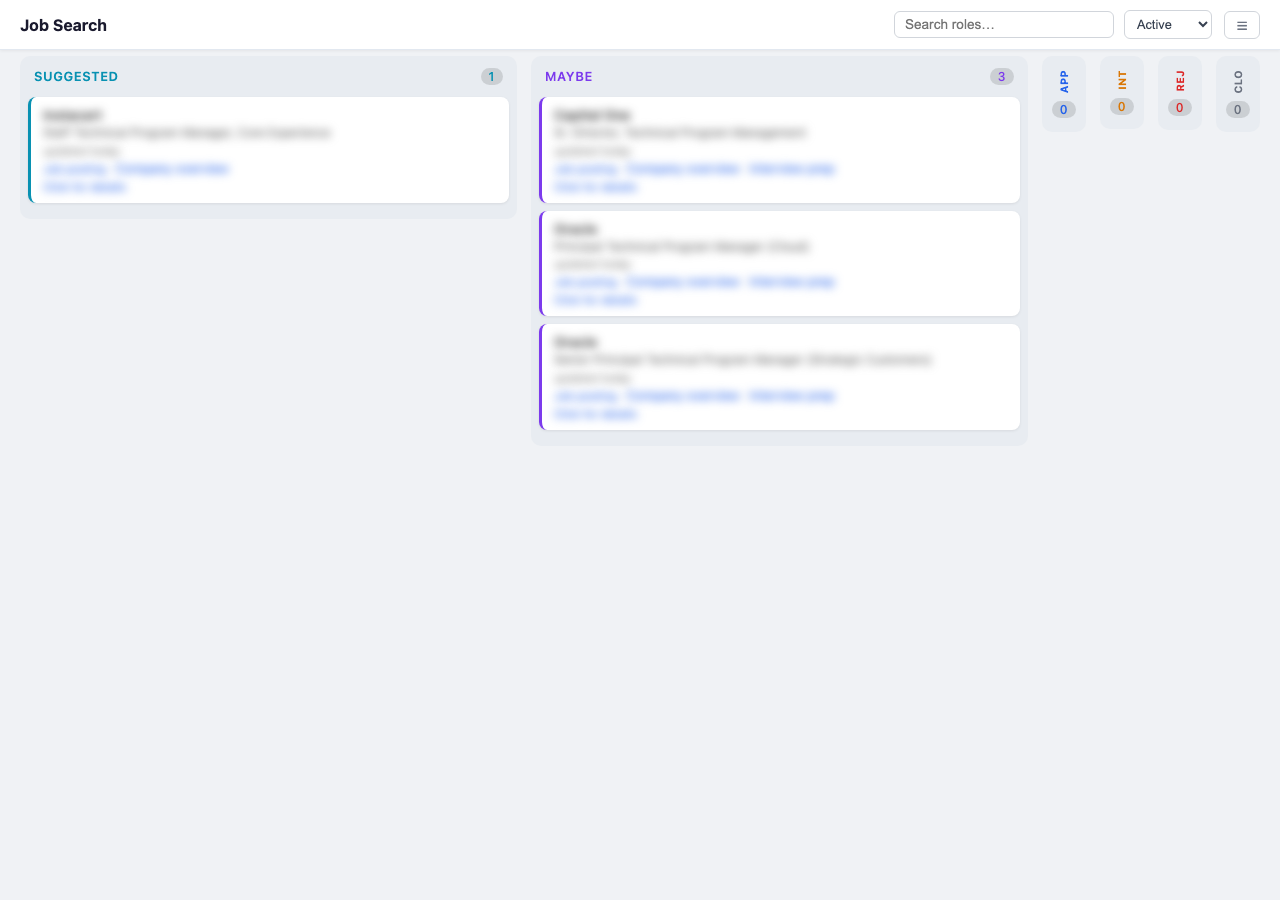
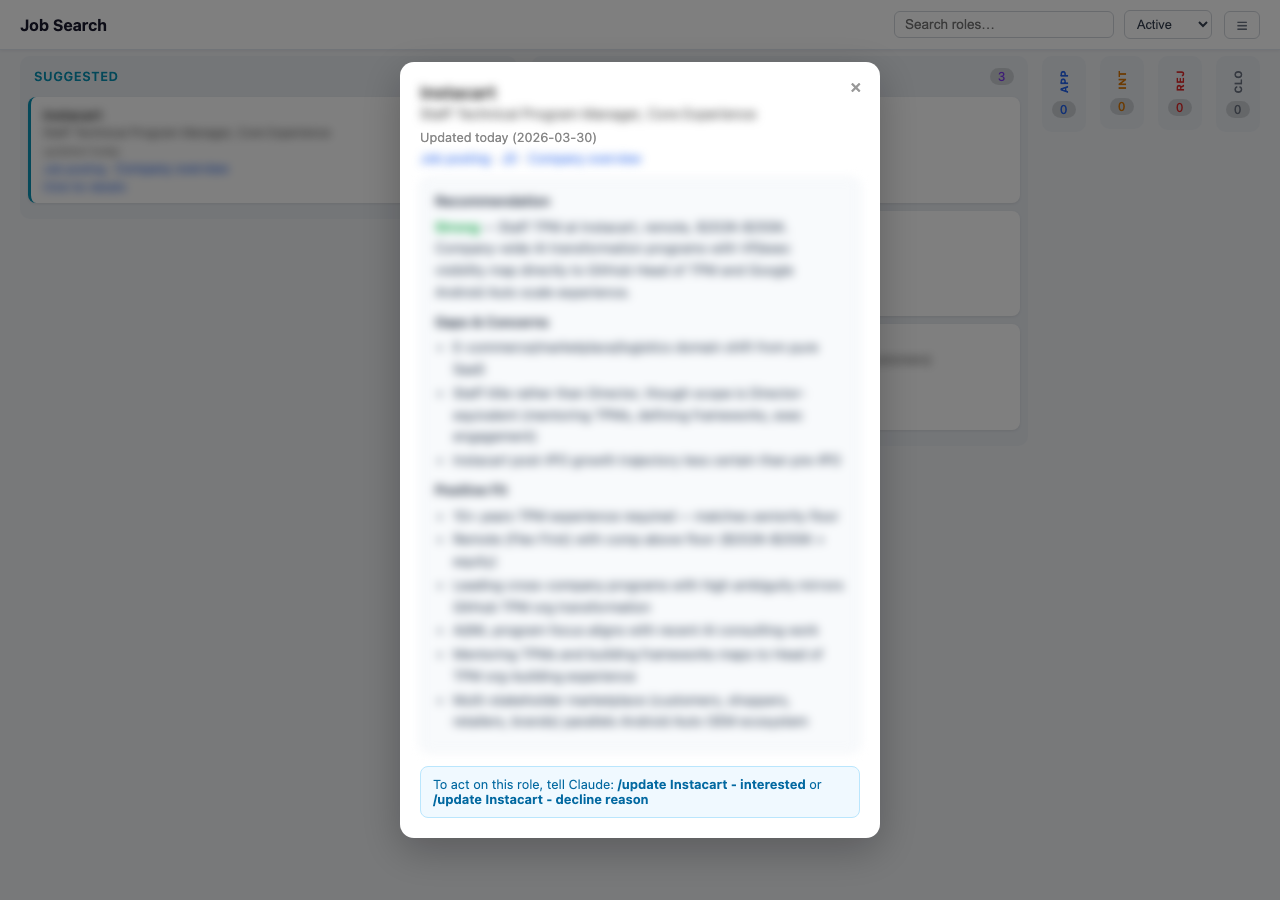
Click any card to see the full assessment — recommendation, gaps, positive fit, and links to the job posting and research docs.
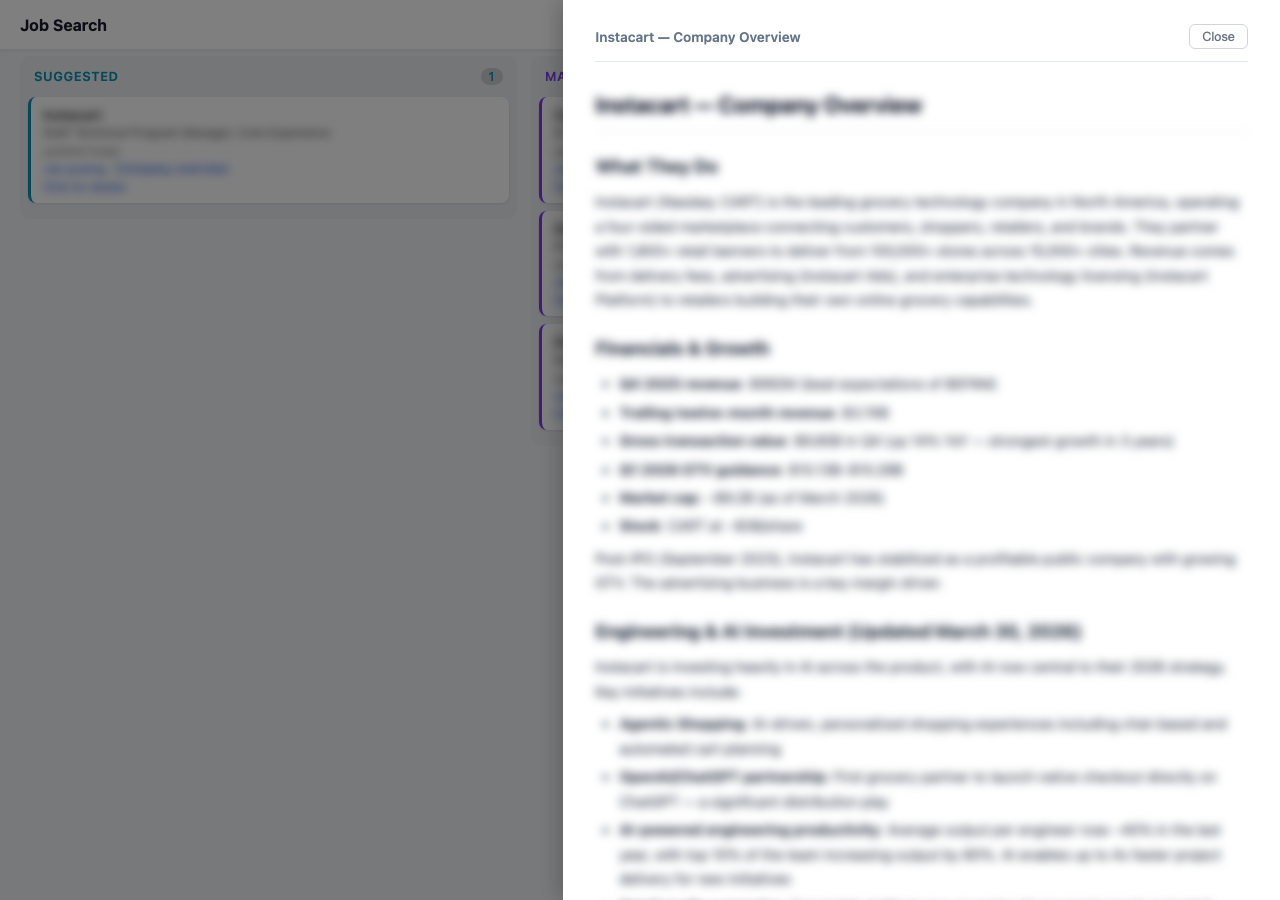
Click “Company overview” or “Interview prep” to read the research docs in a slide-out panel.
The board auto-rebuilds every time something changes. Just refresh.