Requirements
- Claude Desktop or Claude.ai with Cowork mode
- A Claude Pro or Max subscription
Install from zip
- Download
jobs-for-me.zipfrom the latest release - In Claude, go to Customize > Personal plugins > +
- Upload the zip file
- Start a new Cowork session and select a folder for your job search data
That’s it. No dependencies to install, no API keys, no configuration files to edit.
Choose your data folder
When you start a Cowork session, select a folder where your job search data will live. Good options:
- A folder in Google Drive, Dropbox, or iCloud — your data syncs and backs up automatically
- Any local folder if you prefer to manage backups yourself
Everything is plain YAML and markdown files — easy to read, easy to back up, and yours to keep.
View your board
The plugin generates a kanban board at Kanban/index.html in your data folder. It updates automatically after every change.
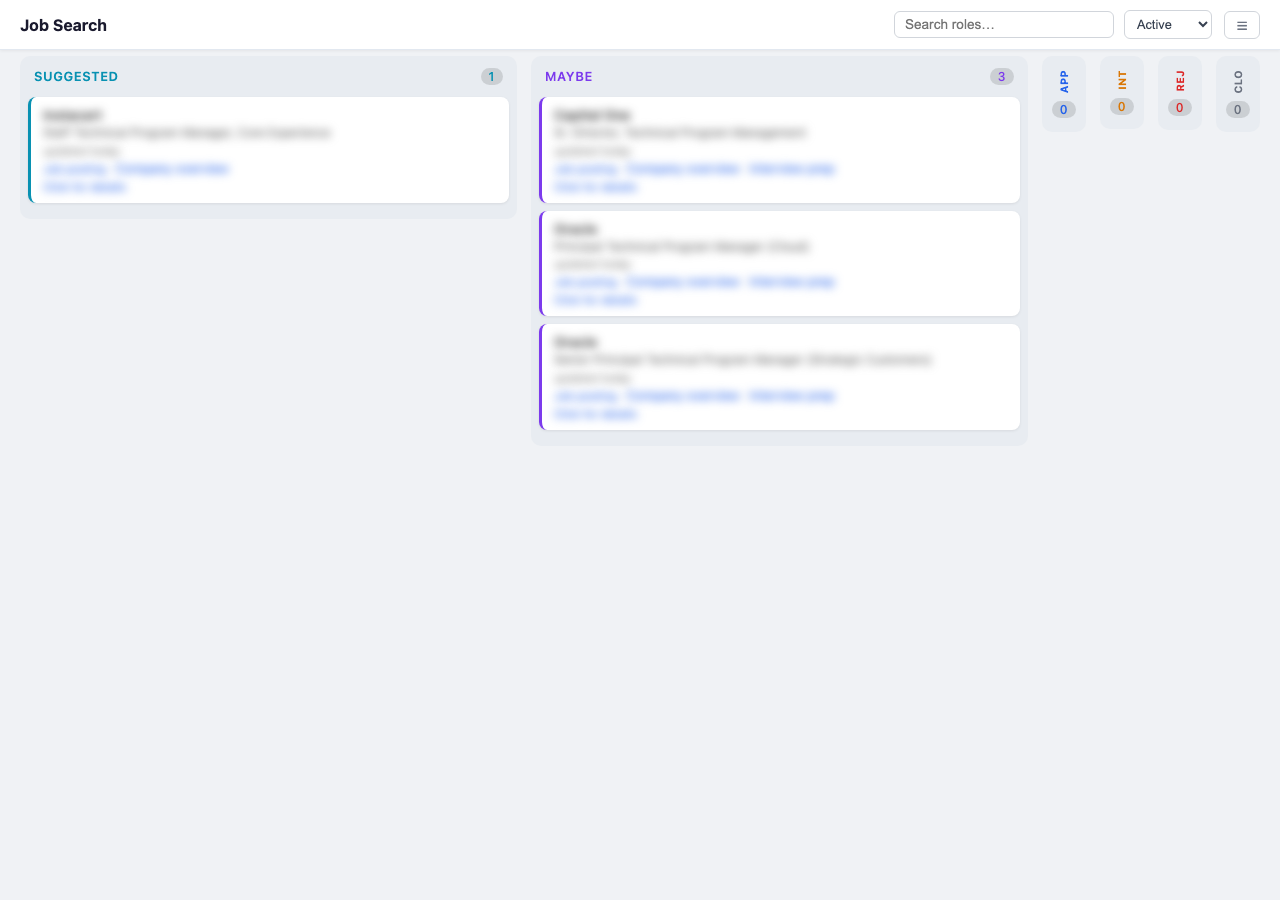
You can:
- Open it directly in your browser from the Cowork file viewer
- Serve it on your network with Tailscale:
# macOS
/Applications/Tailscale.app/Contents/MacOS/Tailscale serve --bg /path/to/your-folder/Kanban/

# Linux
tailscale serve --bg /path/to/your-folder/Kanban/
This serves the board over HTTPS on your tailnet, accessible from any device. The --bg flag makes it persist across reboots.
Updating
When a new version is released:
- Download the new
jobs-for-me.zipfrom releases - In Claude, go to Customize > Personal plugins
- Delete the old plugin, then upload the new zip
- Start a new Cowork session (old sessions cache the previous version)
Your data folder is untouched by plugin updates — only the plugin code changes.