Commands
| Command | What it does |
|---|---|
/search | Run a search sweep across your sources |
/review | Walk through new suggestions and decide on each |
/update | Move a single role through stages |
/assess <url> | Evaluate a job posting you found yourself |
/prep <company> | Generate company research + interview prep |
/apply <company> | Draft a cover letter and tailored resume |
/board | Rebuild the kanban board |
/tweak | Change your settings, sources, preferences, or evidence |
/help | See what the agent can do |
Daily flow
The simplest routine:
- Run
/search(or set it on a schedule — see below) - Run
/reviewto triage new suggestions - Act on promising roles —
/prepfor interviews,/applyfor applications
That’s it. The agent handles search, filtering, and research. You handle decisions.
Searching
/search checks all your configured sources — job boards, career pages, portfolio sites — and assesses each match against your profile. Results are added to your board as “Suggested” roles.
The first search takes about 20 minutes. After that, searches are faster because the agent skips known roles and companies.
Automate it
Schedule /search to run automatically:
- Open the scheduled tasks menu (clock icon in the sidebar)
- Create a new task, pick the
/searchcommand - Set your frequency — daily works well
New roles appear on your board without you lifting a finger.
Reviewing and triaging
/review walks you through your roles one at a time, most actionable first. For each one:
- yes — move to Maybe (interested, want to learn more)
- decline [reason] — pass on it (the reason teaches the filter)
- skip — come back later
- tell me more — see the full assessment
You can also filter: /review suggested, /review maybe, /review stale.
How the agent learns
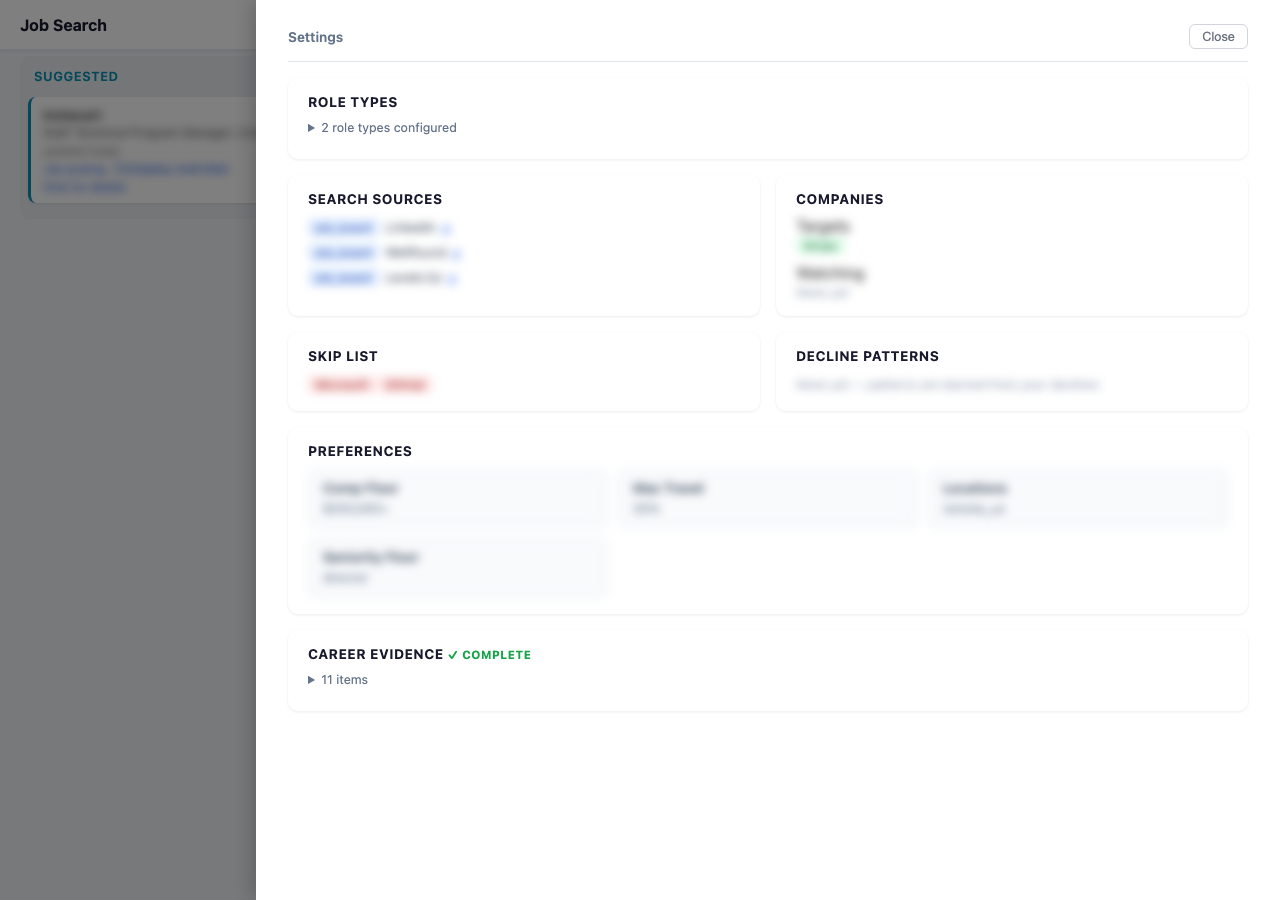
Every decline with a reason is a training signal. If you decline three roles for “too much travel,” the agent adds a decline pattern and stops suggesting high-travel roles. You can see your decline patterns in the board’s Settings panel.
Company research
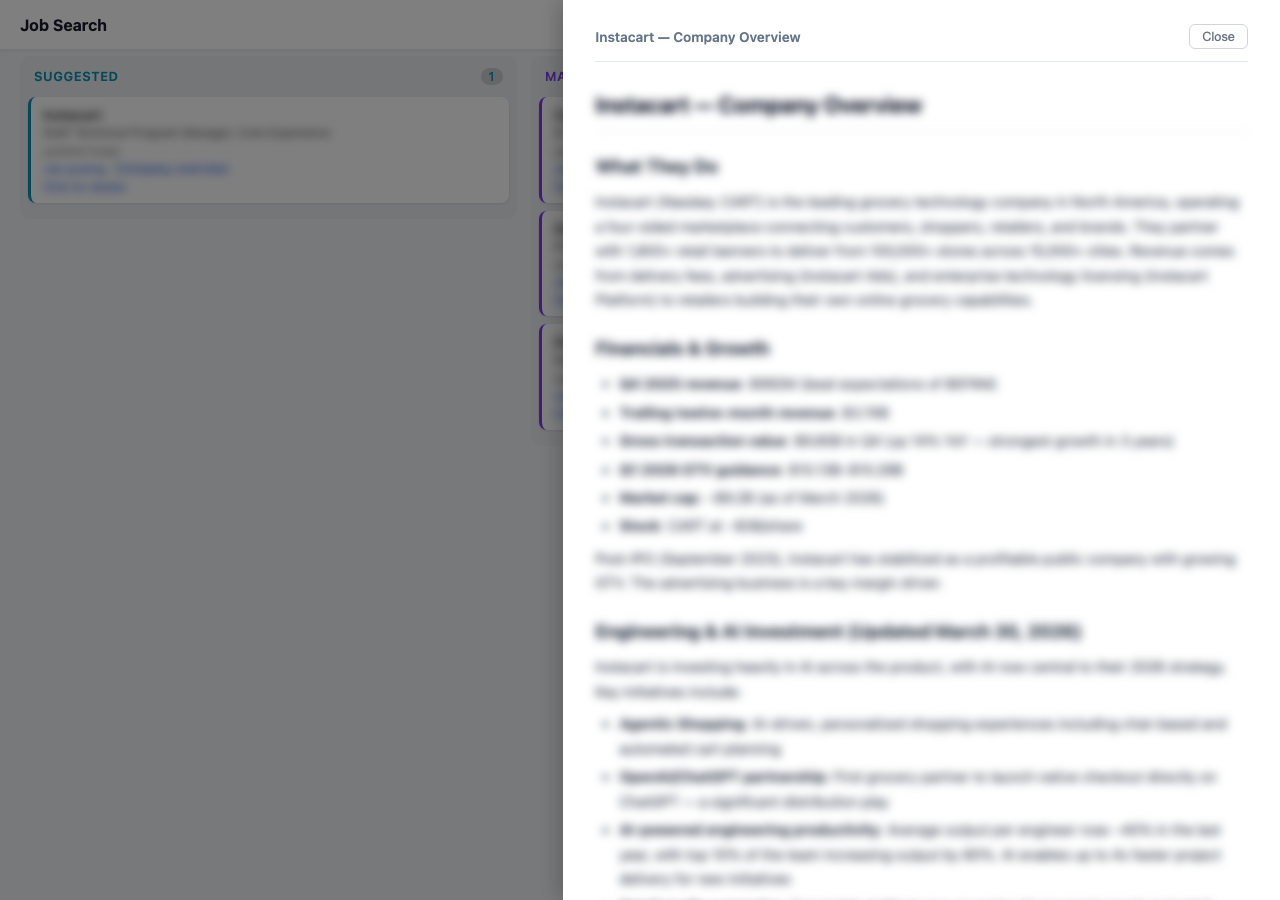
When the agent finds a role, it generates a Company Overview — what they do, how they make money, recent moves, culture signals, and why the role exists. This is a company-level document shared across all roles at that company.
Click “Company overview” on any card to read it in the slide-out viewer.
Interview prep
Run /prep <company> when you have an interview coming up. The agent generates two documents:
- Company Overview (if not already done) — company research
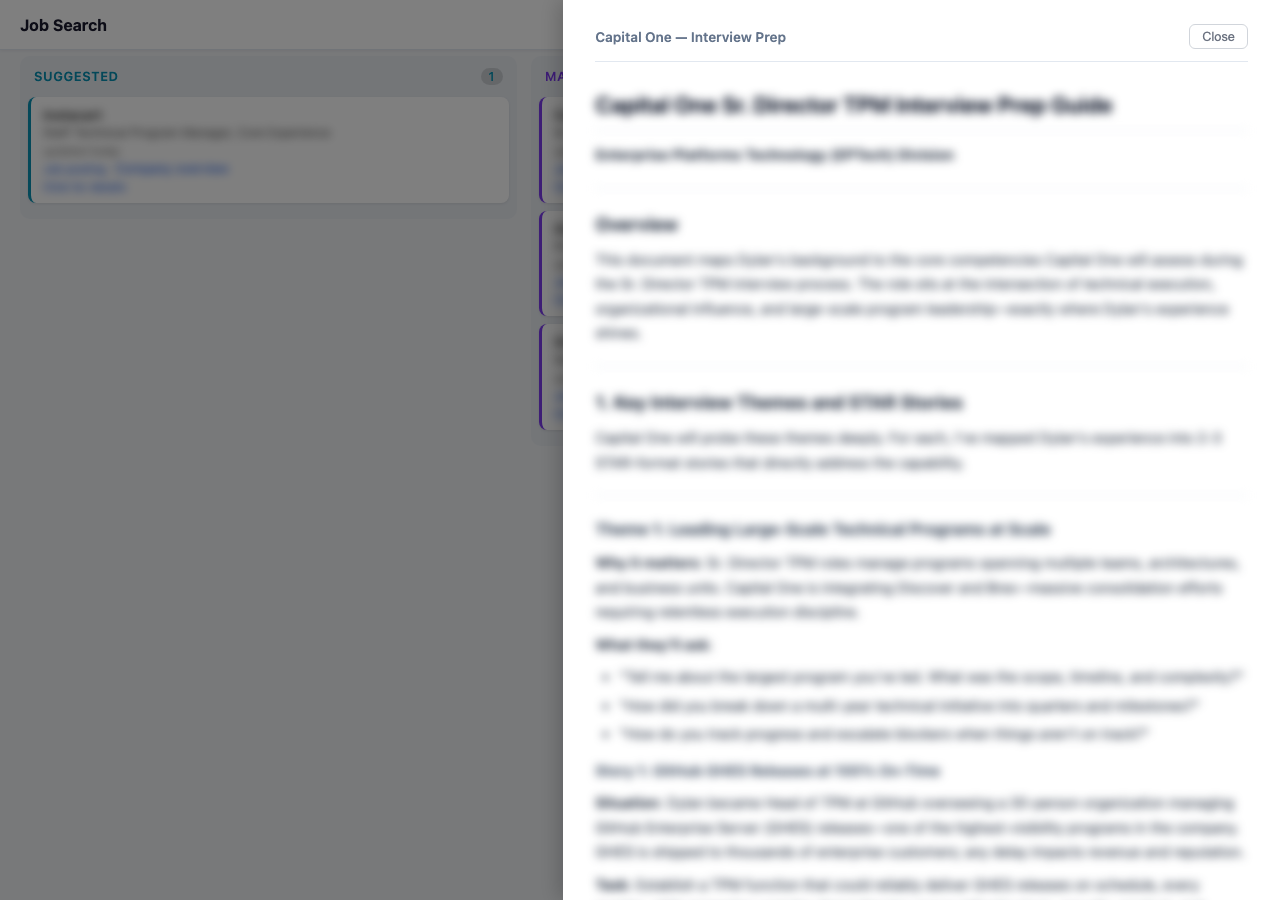
- Interview Prep — likely interview topics with your stories mapped to their questions, industry-specific questions, and smart questions to ask them
Both appear as links on the role’s board card.
Applying
Run /apply <company> to generate:
- A cover letter — short, personal, evidence-linked, no buzzwords
- An optional tailored resume — your actual resume reordered for this role
The cover letter is shown inline so you can review and iterate before submitting.
Tweaking your setup
/tweak lets you change anything:
- Add or remove target companies
- Add new search sources
- Update your comp floor or location preferences
- Add career evidence (projects, talks, case studies)
- Add or retire role types
Nothing is permanent. The agent adapts.
Your data
Everything lives as plain files in your data folder:
profile.yaml          — your background and preferences
archetypes.yaml       — the types of roles you're targeting
filters.yaml          — sources, companies, decline patterns
tracker.yaml          — all roles and their stages
briefs/               — search summaries
companies/            — research docs, JDs, prep, cover letters
Kanban/index.html     — your kanban board
You can read and edit these files directly. Back up your data folder by keeping it in Google Drive, Dropbox, or iCloud.